
Save time
Turn prospect research, scattered emails and meeting notes into organized information you can use.
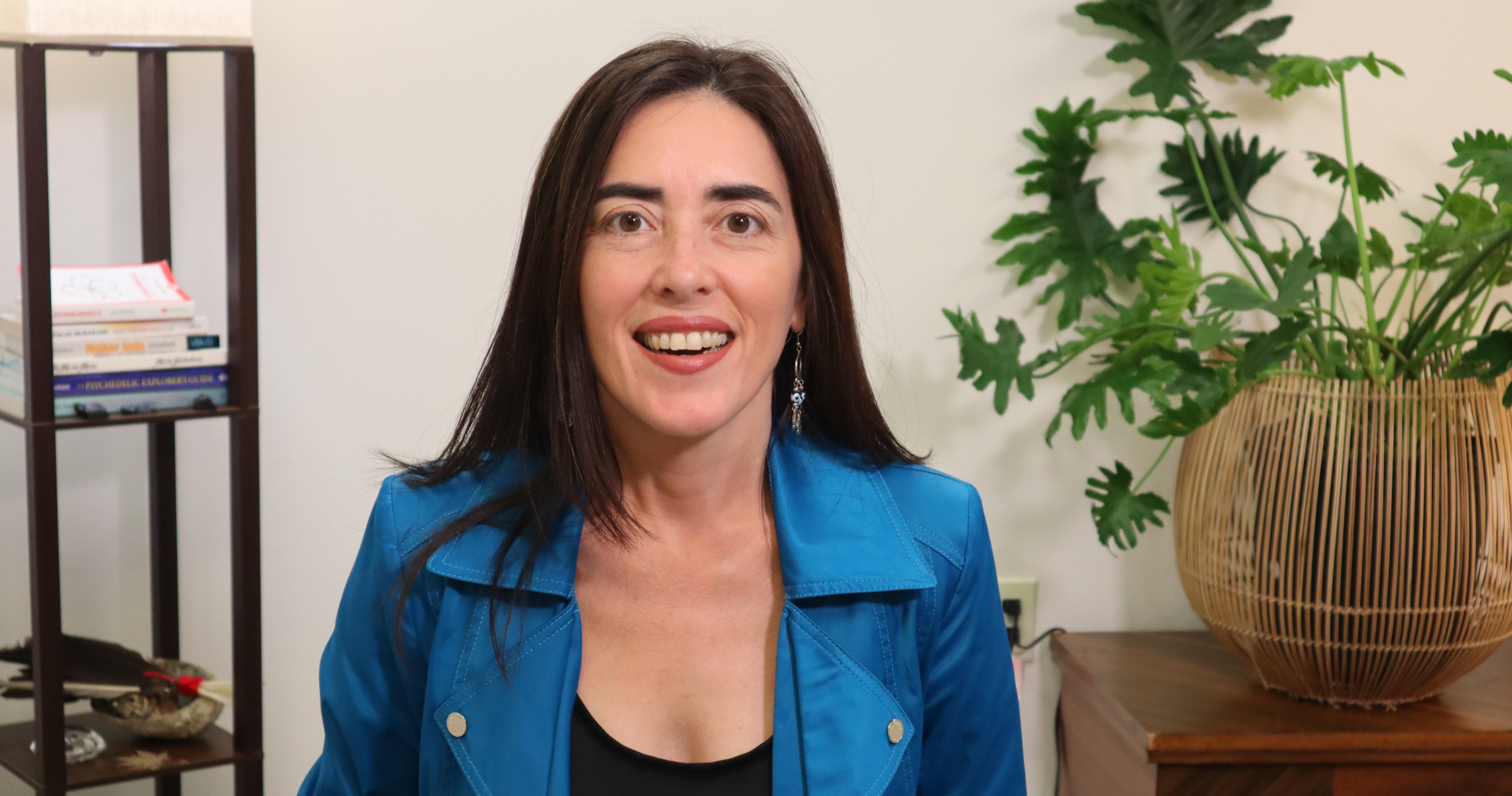
A practical AI-building workshop with Dayana Pereira
Save time. Work more efficiently. Get more done with less effort.
Learn to create your team in Codex, from OpenAI—the company behind ChatGPT. Four specialist agents and a Chief of Staff help you find prospects, manage email and follow-ups, prepare for meetings and organize your day—sharing findings as a team.
Build two agents alongside Dayana, step by step, with a live demo. Set up your Chief of Staff, see the other two in action, and take home step-by-step instructions and examples for all five.
Your Zoom link will be provided upon registration.

Live creation, explained step by step.
Finding the next advertiser. Preparing for a good conversation. Keeping the next issue moving. Learn to give the repeated searching, sorting and retyping to an AI team—so you can spend more of your day on the work that needs you.
Turn prospect research, scattered emails and meeting notes into organized information you can use.
Reuse instructions and share current client information across your team, with clearer next steps and less starting over.
Complete more of the work that moves your publication forward with fewer repetitive steps—leaving more room for clients, creativity and growth.
Four specialists + one Chief of Staff
Each role has a clear job and a practical result. Learn how their findings move together, so you do not have to explain the same client or task five times.
Sales & Prospecting
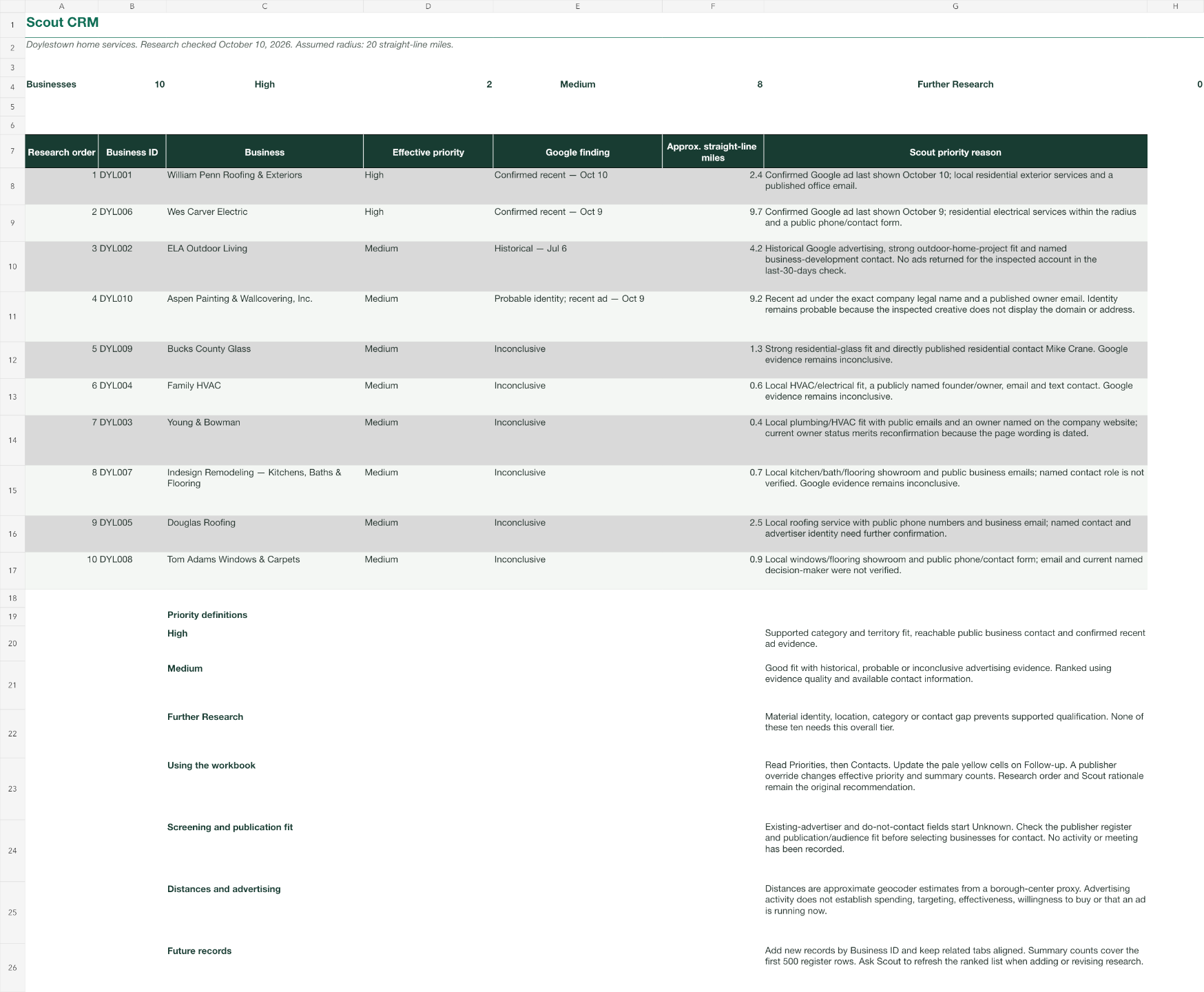
Find local businesses by category and radius, gather public contact information and look for evidence of advertising. Organize the results by priority, with sources you can check.
Your result: A researched prospect list to focus your outreach. You make the contact.
Client Care & Email VA
Summarize email threads, draft replies and organize monthly advertiser and expert-writer follow-ups. Turn what you capture after a meeting into useful records and next steps.
Your result: Draft replies, a follow-up queue and organized client records—with unclear details flagged.
Route & Schedule
Save time and gas with a more efficient plan for appointments and magazine deliveries. Use checked addresses, account for fixed commitments and spot timing conflicts before you leave—so you can make the most of your day.
Your result: An ordered route sheet you can print or keep on your phone.
Meeting Intelligence
Research the business, its customers, advertising evidence and relevant competitors. Combine those findings with your client history to prepare for a better conversation.
Your result: A concise meeting brief with sources. Unknown budgets and business figures stay clearly marked.
05 / Bring the work together
Chief of Staff
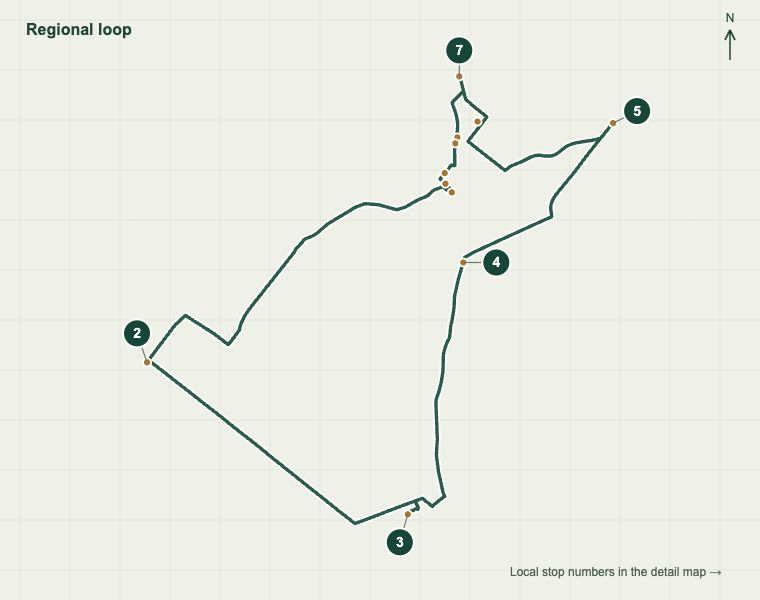
Coordinate shared findings, priorities and deadlines. Check Scout’s destinations before Miles routes them, review Iris’s brief before your meeting, and compare Sunny’s saved records with the information supplied.
Your result: One clear report of ready work, corrections, approaching deadlines and decisions that need you.
You set the priorities and permissions. The team prepares the work. You make the decisions that matter.
Their findings travel with the work
Scout finds businesses. Sunny supplies confirmed appointment details and client histories. Iris prepares the briefs; Miles plans the routes. After the meetings, Sunny turns your notes into updated records and follow-up tasks. Athena coordinates and checks the handoffs throughout.
See the work take shape
These are examples from our workshop preparation. You’ll receive files and instructions to study, adapt and make your own.
Live creation, explained step by step
Start with the basics, then learn through familiar publishing tasks. No coding experience or prior Codex knowledge required.
Create your Sales & Prospecting Agent and your Client Care & Email VA. Run a small real prospecting task, work through a sample advertiser email, and see how notes and voice memos become useful text.
Give your Chief of Staff her role, priorities and review rules. Use a prepared team handoff to see what she checks and how she reports back.
Walk through prepared meeting briefs and a route plan. Take home step-by-step instructions to build both and connect their work to the rest of your team.
Watch or build along. Use the replay and guide to finish, repeat or adapt the steps afterward.
The agent names shown here are for demonstration only. You get to choose your own agents’ names.
Your workshop toolkit
Build along, or watch and ask questions. Both approaches are welcome.
Your workshop registration
USD per person · One-time payment
Monday, October 19, 2026
10–11:30 a.m. Eastern
Live on Zoom · Recorded
Replay, guide, notes, example files and reusable agent-creation prompt included.
Your Zoom link will be provided upon registration.
I’ve been an entrepreneur and business owner since 2017. I’ve been learning AI since 2023. In my own business, the workflows I’ve automated save me the equivalent of three employees’ salaries, along with countless hours.
I’m also a mother. I design and teach courses online, and see clients both in person and online in my somatic education practice. The AI agents I built into my business operations increase my productivity while making more room for creativity and rest, which means more time for my family and greater quality of life.
I love teaching, and I’m excited to share the tools and processes that have transformed how I run the daily tasks of running a business. My wish is to help you spend less time on repetitive tasks and more time on the work—and life—that matters to you.
Learning with Dayana
Reflections from Dayana’s clients and students.
“Lovely, calm voice. Very cleverly explained the topic.”
“So clearly explained”
“A great listener, and very supportive.”
“Thank you for your informative video.”
Your build-along checklist
If you’d like to build alongside Dayana, have these ready before we begin. We’ll introduce Codex and guide the agent-building steps together.
Bring your computer and charger. Install the ChatGPT desktop app, open it and log in before class. Have a reliable internet connection and your Zoom link ready.
Install the ChatGPT app on your phone, open it and log in to the same account. Keep your phone handy for working with photos, handwritten notes and voice memos.
If you’d like to build along, you’ll need ChatGPT Pro. Have a credit card handy if you need to upgrade; the subscription cost is separate from workshop registration. Dayana will guide you through the setup in class. You can attend and watch without upgrading.
Make space on your computer or connect an external hard drive. Create a workshop folder for your notes, prompts, example files and the work your agents produce.
Keep them beside you to capture ideas, useful instructions and changes you want to make to your own team.
Bring your questions and one repeated task you’d love to spend less time on. We’ll use public research and sample files, so you can learn without sharing private client information.
Prefer to watch? You’re welcome to follow along, ask questions and build later with the replay, files and step-by-step guide. Check current ChatGPT plans and access.
Before we meet
For magazine publishers and publishing executives who want more useful work from AI, with less repetition in the day.
Have a question?
team@dayana.io

Yes. We’ll start with a few basic concepts, use familiar publishing tasks and explain each step in plain language. No coding experience or prior Codex knowledge is required.
We’ll build Scout and Sunny together, set up Athena as Chief of Staff, and demonstrate Iris and Miles. You’ll receive instructions and prompts for all five, plus the replay and guide to complete or refine your team afterward.
No. You can watch, ask questions and follow the guide later. Both approaches are welcome.
Dayana will demonstrate in Codex, from OpenAI—the company behind ChatGPT. Have the ChatGPT apps installed, open and logged in on your computer and phone. If you’d like to build along, you’ll need ChatGPT Pro. Have a credit card handy if you need to upgrade; the subscription cost is separate from workshop registration. Dayana will guide you through the setup in class. You can attend and watch without upgrading. See the checklist above for storage and supplies. No prior Codex setup is required.
Yes, if you’d like to build the complete executive team alongside Dayana. You’ll need ChatGPT Pro, and Dayana will guide you through the setup in class. Have a credit card handy if you need to upgrade; the subscription cost is separate from workshop registration. You can attend and watch without upgrading.
They are designed to share relevant findings and current client information, with Athena coordinating the handoffs. We’ll explain that workflow and provide setup instructions. Automatic communication and background work require supported connections, permissions and testing; you can complete and test those connections after class at your own pace.
With supported connections and your permission, those tools give the team useful context. We’ll use public research and sample records in class, so you can participate without connecting business accounts or exposing private client information.
By default, they prepare drafts for your review. If you want, the guide shows you how to let Sunny send certain routine emails without asking each time. You choose which emails and the rules. Anything else needs your approval. Athena checks the work, but only you decide what Sunny can send.
Yes. You’ll receive the session replay, all workshop notes and example files, step-by-step instructions for all five agents, and the reusable agent-creation formula and prompt. Use them to finish, repeat or adapt the work at your own pace.
No. Only Dayana’s screen will be recorded. You can watch or build along privately on your own computer, without sharing your screen or connecting your business accounts. We won’t ask you to share passwords, private documents or client information. If you speak during the session, your voice may be included in the recording, so please keep private information out of the discussion.
Monday, October 19, 2026, from 10 to 11:30 a.m. Eastern, live on Zoom. Your Zoom link will be provided upon registration.
Yes. For information about booking a 1-on-1 session to adapt the team to your business or troubleshoot your setup, email team@dayana.io. Individual sessions are separate from workshop registration.
October 19, 2026 · 10 a.m. Eastern · 90 minutes
Watch or build along. Replay, guide, prompts and examples included.
USD per person · One-time payment

Get started today before this once in a lifetime opportunity expires.