
Save time
Turn prospect research, scattered email and meeting notes into organized information you can use.

What you'll get:
[ Add any additional disclaimers or details about the purchase ]
Save time. Work more efficiently.
Save time. Work more efficiently. Get more done with less effort. Learn to create a team of four specialist agents and a Chief of Staff in Codex, from OpenAI—the company behind ChatGPT.

Turn prospect research, scattered email and meeting notes into organized information you can use.
Reuse instructions and share useful client information, with clearer next steps and less starting over.
Reduce repeated searching, sorting and retyping so you have more time for clients, decisions and creative work.
Watch or build along. $67 USD per person, one-time payment.
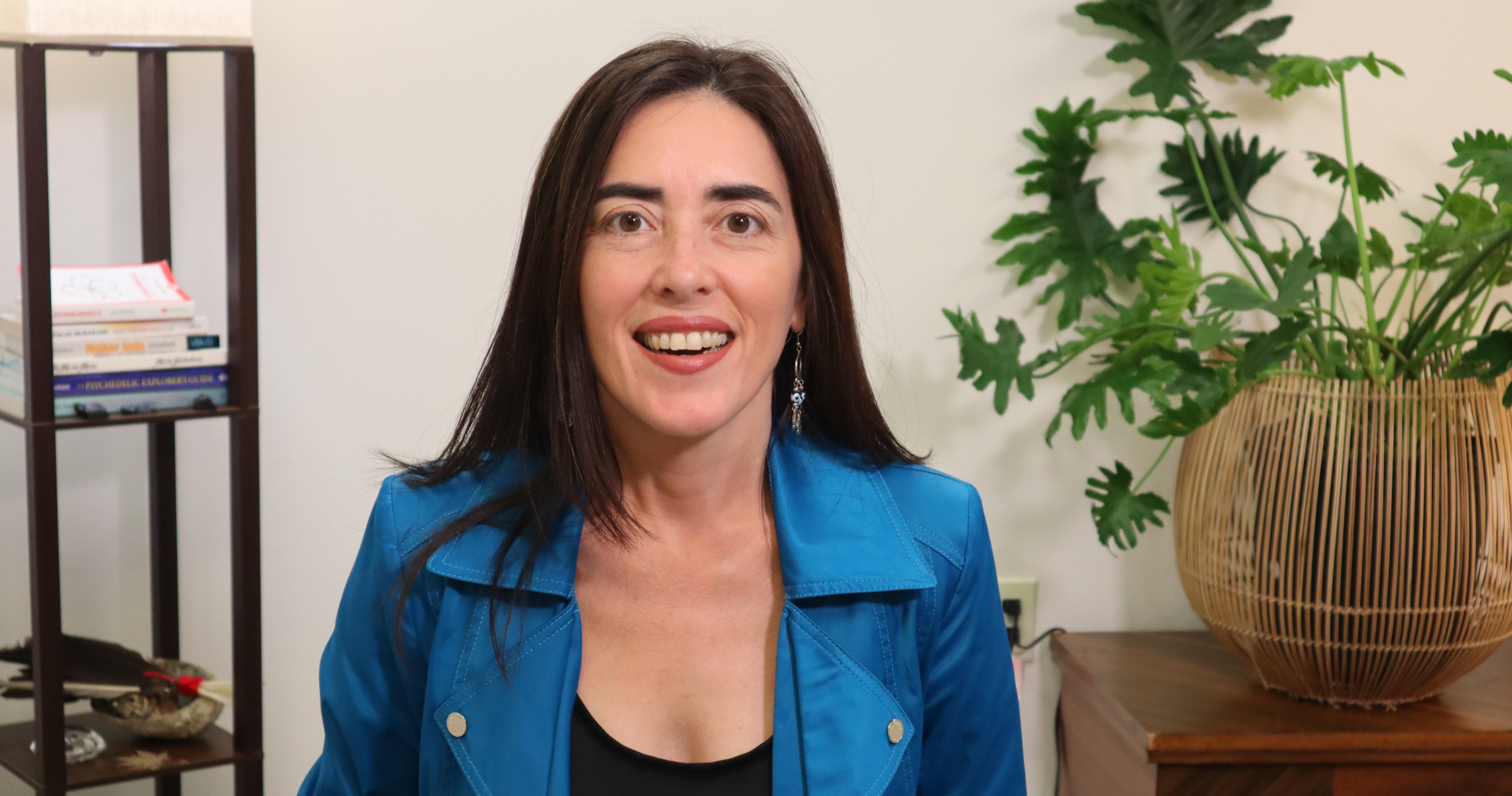
Learn with Dayana
A practical, guided session that connects the tools to the publishing work you already do.
What people appreciate about Dayana’s teaching and client sessions.
“Lovely, calm voice. Very cleverly explained the topic.”Liuda · Insight Timer · Somatic education
“So clearly explained”Cassi · Insight Timer · Somatic education
“A great listener, and very supportive.”Elsa Mora · Google · Individual session
Have these handy before class:
No prior Codex knowledge or setup is required. Dayana will introduce Codex and guide you through getting started. We’ll use public research and sample records, so you do not need to connect business accounts or share private client information. Available tools vary by account and connection.
Monday, October 19, 2026, from 10 to 11:30 a.m. Eastern, live on Zoom. Your Zoom link will be provided upon registration.
We’ll build Scout and Sunny together, set up Athena as Chief of Staff and demonstrate Miles and Iris with prepared examples. You’ll receive instructions, skills, prompts and examples for all five, and you can choose your own names. Connections and background operation require their own setup, permissions and testing.
No. Watch or build along. Both are welcome. Use the replay, full notes, sample files and step-by-step guide to build or revisit the work at your own pace.
Use the preparation checklist above. Install and open ChatGPT on your computer and phone, log in, and have your chargers, storage space, notebook, pen and questions ready. If you’d like to build along, you’ll need ChatGPT Pro. Have a credit card handy if you need to upgrade; the subscription cost is separate from workshop registration. Dayana will guide you through the setup in class. You can attend and watch without upgrading. Use the replay and guide to continue afterward.
Yes, if you’d like to build the complete executive team alongside Dayana. You’ll need ChatGPT Pro, and Dayana will guide you through the setup in class. Have a credit card handy if you need to upgrade; the subscription cost is separate from workshop registration. You can attend and watch without upgrading.
Yes. Registration includes the replay, class notes, sample files, reusable skills and prompts, step-by-step instructions for all five agents, and a reusable agent-building formula with a copy-and-paste creation prompt.
They are designed to share relevant findings and current records, with Athena checking the handoffs and bringing you one report. The guide explains the setup. Automatic communication and background work need supported connections, permissions and testing; a saved prompt does not activate them.
Sunny prepares drafts for review by default. You can give her advance permission to send specific routine emails within limits you choose, without asking each time. Anything outside those limits still needs your approval. Athena’s quality review does not grant permission to send.
Yes. Workshop registration is one payment of $67 USD per person and includes the live session, replay and complete workshop materials. Software subscriptions and usage charges are separate.
No. Only Dayana’s screen will be recorded. You can watch or build along privately on your own computer, without sharing your screen or connecting your business accounts. We won’t ask you to share passwords, private documents or client information. If you speak during the session, your voice may be included in the recording, so please keep private information out of the discussion.
Email team@dayana.io for information about arranging a 1-on-1 session to adapt your team or troubleshoot. Individual sessions are separate from workshop registration.
Have another question? team@dayana.io
Get started today before this once in a lifetime opportunity expires.